Overview
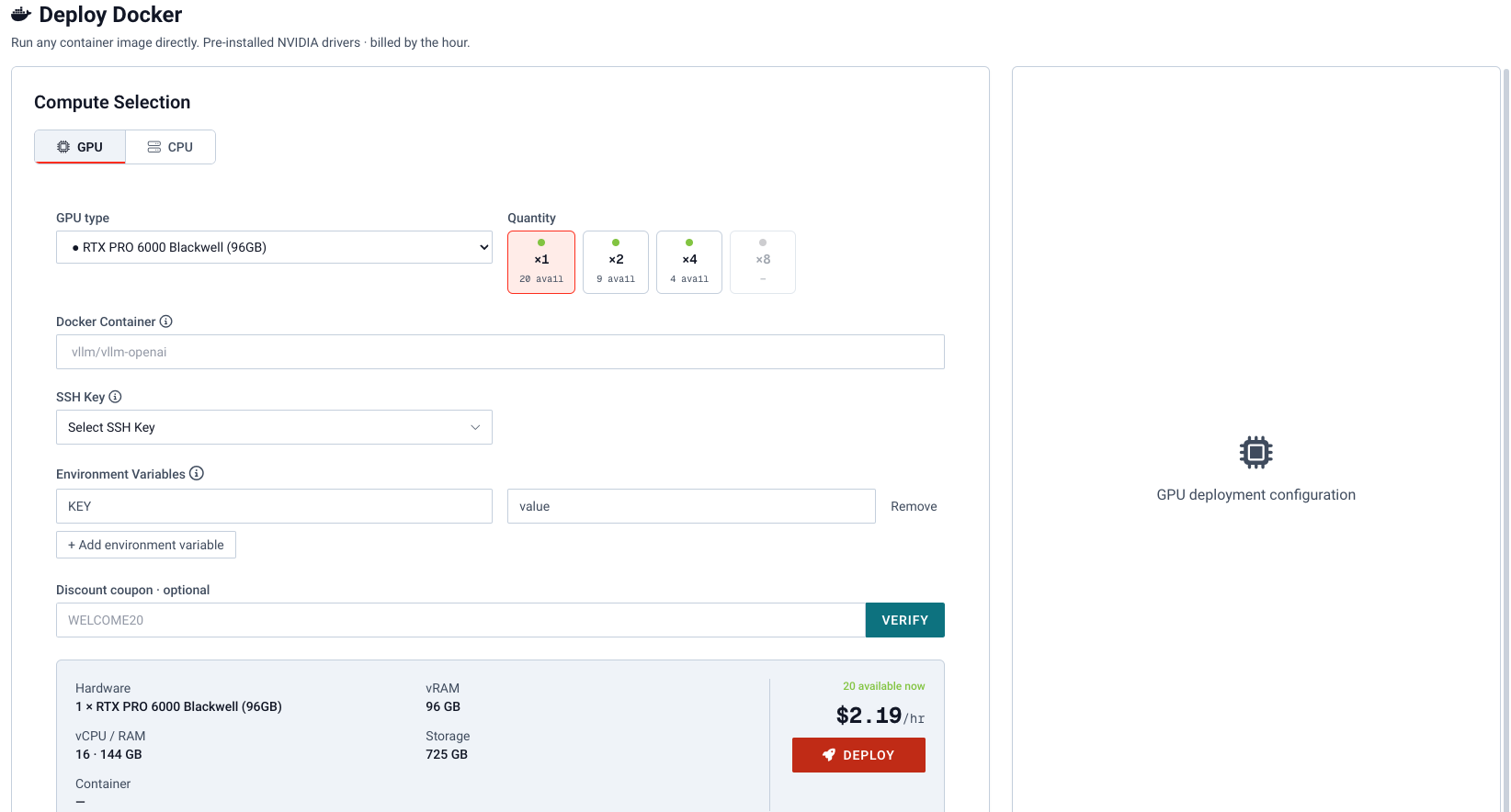
Docker deploy at vm.massedcompute.com/deploy-docker launches a VM from a container image instead of a marketplace template.
- GPU Type: Graphics card in the VM.
- GPU Quantity: How many of that card.
- Docker Container: Image name. For Ollama you would enter
ollama/ollama. - Docker Run Command: Extra flags for
docker run. - Environment variables: Optional. Same
~/.envbehavior as Deploy. - Coupon: Optional hourly discount. Verify before deploying.
- Persistent Storage: Optional, beta. Attach up to 8 storage mounts. See Persistent Storage below.
After you configure the VM, the page shows hardware specs and price per hour below the Deploy button.
The docker run command can still be running even though you can access the Virtual Machine. It may take some time before the command completes and the container is active.
Persistent Storage
Persistent Storage, powered by Backblaze, is in beta. In the Persistent Storage picker, tick up to 8. Each mounts on the instance at /persistent/<name> and keeps its data after the instance is terminated. See Persistent Storage.
The storage is mounted on the instance, not inside your container. To use it in the container, bind-mount it in the Docker Run Command, for example -v /persistent/datasets:/data. Storage is mounted before the Docker Run Command starts. If it fails to mount, the command still runs and the container writes to the instance's local disk instead, which is lost when you terminate. Check for a /persistent/<name>.MOUNT-FAILED.txt note. See When storage can't be reached.
Storage is charged per GB stored per month from your account balance, metered every minute. Downloads, including reads from the mounted storage on your instance, beyond 3x your average stored data per month are $0.05/GB. See Pricing and Billing.
Persistent Storage is object storage behind a filesystem layer. It has higher latency than the instance's local NVMe disk and only partial POSIX behavior. Keep hot data on local disk. See Limitations.